
6 Unique Ways to Organize State Symbol Study Guides + Tips to Create Classroom Study Materials
The state symbols study guide is either a print or a digital document that contains information about each U.S. state and its symbols.
Most students learning about state symbols go through a similar challenge: they have hundreds of state-related facts with no clear hierarchy of importance. Although teachers find innovative learning methods, simply having access to these resources does not guarantee memory recall.
This is where a structured study guide helps learners with memory retention. Below, we’ll learn how to take this information and build organized study guides you can use in your classrooms.
What is a State Symbols Study Guide?
A state symbol study guide is a reference material that contains each U.S. state’s official symbol. Study guides come in the form of worksheets, flashcard sets, or digital tools.
While a reference list of symbols can help with this, it’s not the same as a study guide. The reference list answers “what is it”, and a study guide shows “how to use that information.”
If you’re building a US states symbols study guide, make sure to:
- Organize symbols into logical sections.
- Maintain a consistent layout for all states.
- Include review materials.
- Make it compatible for print and digital media.
The chances of your study guide being useful depend on how you structure it.
The Importance of Structuring Your Study Guides
An organized guide lists the high-frequency facts first before diving into the context. Cognitive science explains that our brains retain information only when we connect the facts to mental frameworks and recall information through repeated patterns.
Here’s how a good structure can aid in better learning for students.
Grouping Items Makes it Easier to Learn
Imagine when students find scattered information, such as birds and mottos mixed, or animals and dates in a different category. This disassociation leads to poor memory recall and answer retrieval.
On the contrary, grouping state symbols by their types can reduce cognitive overload.
A Predictable Layout Strengthens Recall
When educational content creators group similar categories in a consistent layout, the students are able to spot information more easily. This exercise strengthens pattern recognition, which in time, forms a strong base for memory recall.
Comparing Symbols Allows Better Learning
Let’s assume a state bird is compared to a state flag in terms of visual appearance or attributes. Connecting these elements teaches students to remember symbols through contrast, in addition to making it easier for them to recognize patterns.
Next, we’ll learn how to organize your study guide to maximize memory retention.

How to Make a Study Guide Effective Through Structure
An effective study guide includes organization along with contextual notes explaining their origin. You can use the following tips to create a reusable framework.
Use a Standard Study Template
When each section follows the same hierarchy, the learner’s brain is attuned to look for the next piece of information automatically.
For example, under the quick facts section, you can group:
- The state name,
- Capital,
- Admission date,
- Region.
You can deepen the students’ understanding by including links to each element, where they can learn in detail at their own pace.
Now, section (B) can contain “Nature Symbols” like the state:
- Bird,
- Flower,
- Tree,
- Animal.
A great way to increase interactivity is through a “Fun Facts” section. Students will be able to remember the details better when humor is involved.
You can then move on to the cultural symbols for section C, such as:
- State motto,
- State seal,
- State flag.
This is the most important section that explains the ideology behind choosing the elements representing each state.
Finally, create a review section with:
- 3-5 recall questions,
- Fill-in-the-blank prompts,
- A short comparison question.
Maintain a Consistent Order and Formatting
If there’s no logical reasoning behind the different sections, students are prone to memorizing information rather than learning and retrieving data.
This is why it’s advisable to maintain:
- Similar heading length, color, and font size.
- An identical section order to help users find information in the same place.
- Consistent typography.
- A uniform image placement to keep the pages visually balanced.
Add Comparison Pages
You might also want to incorporate structural clarity through:
- Comparison tables to differentiate key information from the rest of the content.
- Regional grouping summaries that highlight constant trends across geography.
- Pattern recognition prompts, encouraging readers to notice recurring elements.
A study guide usually progresses from simple facts to more complex information. Comparison pages make it simpler to grasp information at a glance.
Keep a Watch on Information Amounts
Stuffing the pages with too much information can disrupt the purpose of having a study guide.
It’s better to follow these best practices to stay clear:
- Use only one state per page for better focus.
- Use shorter paragraphs to allow users to skim content.
- Use bullet points to break down huge paragraphs into bite-sized content.
- Balance with white space to make the sections feel separated and consistent.
It’s best to use a maximum of two paragraphs for each state.
Use Retrieval-Based Frameworks
Doing cognitive work, such as review sections, cumulative quizzes, and flagging systems, strengthens memory recall.
Make it a point to include the following items:
- Mini-quizzes,
- Matching exercises,
- Recall prompts,
- End-of-section review pages.
After each state, include a comprehension questions section to test subject knowledge.
Use Visual Anchors
Our working memory can only hold four to seven items at once. A visual element, such as a state seal icon next to the state name, gives students the chance to immediately identify the type of information presented.
A few ways to do that are:
- Keep images uniform for easier identification and visual balance.
- Use visuals consistently to allow users to locate similar reference points.
- Include simple graphics that support the content on each page.
Most importantly, keep the pages minimalistic to help students quickly understand what they are about.

Turning a State Symbols Study Guide into a Fine Classroom Resource
Once you have the content and know how to format it, you can convert those pages into a single document. Various online tools, such as Google Docs, Canva, or PowerPoint, can help you create structured study guides.
Step 1: Collect All State Symbol Information
The goal of a study guide is to provide accurate information to help students understand why different states use those elements. Even if you gather information online, use reliable sources like statessymbolsusa.org to help students precisely conduct research or prepare for presentations.
Step 2: Combine All the Pages into One Document
We don’t recommend having separate documents for each state, as it can have mixed formatting styles and make it difficult to send as attachments.
Alternatively, you can do the following:
- Integrate multiple files into a single document.
- Mention states by alphabet or region-wise.
- Remove duplicate pages.
- Include consistency across sections.
If you currently have multiple files, use a reliable online tool that lets you merge PDF documents into a unified classroom resource. We are big fans of using technology in classrooms and you can checkout more articles here
Step 3: Optimize for Distribution
Whether you plan to produce a printed study guide or a digital version, ensure your document is:
- Properly numbered across pages.
- Has print-friendly margins.
- Compressed for online distribution.
- Tested and optimized for mobiles.
- Within the email attachment size limit.
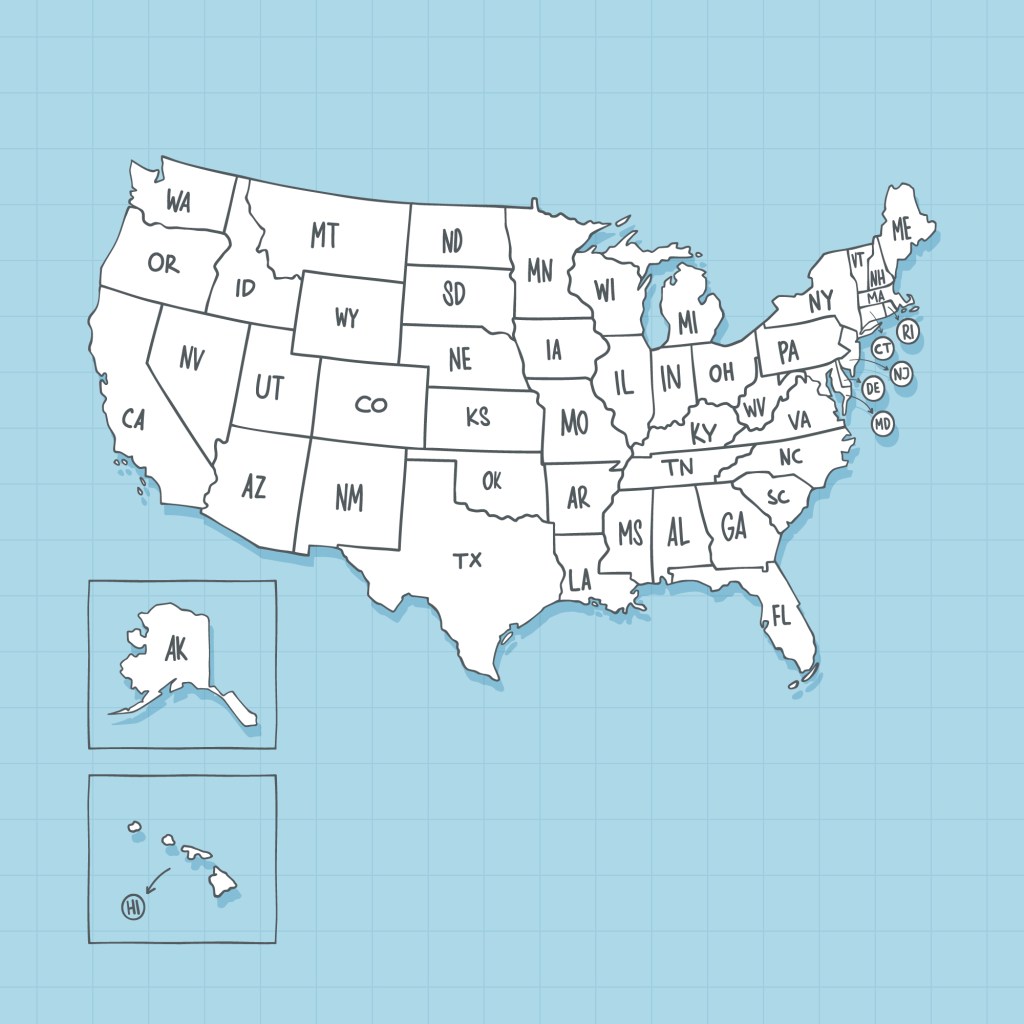
You can also incorporate map-based learning, where each state is color-coded and placed on the map. And for symbols that appear more frequently in exams, include a “Most tested symbols” section.
Mistakes to Avoid When Creating Study Guides
Here’s what to avoid when building your educational materials:
- Having different formats for various state pages.
- Adding too much information on each page.
- Not having comparison frameworks for memory retrieval.
- Using a study guide as a trivia instead of providing structured content.
- Sharing multiple files instead of one document.
- PDFs that are large in size.
As a resource creator, you should have a clear learning goal for students. For example, “Be able to identify symbols” or “Explain the process behind the thinking.”
Building a Functional Study Guide For Your Students
There is plenty of information available on state symbols, but not everything is ready to be used as an educational resource.
A practical study guide helps users with:
- Clear and structured state symbols.
- Review and comparison pages to strengthen learning outcomes.
- A cohesive document for classroom usability.
When students put in hours of hard work, a structured study guide is the way for them to gain real knowledge.
FAQ
How long should a state symbols study guide be?
A single state symbols document can be between 1 and 5 pages in length.
Should it be printable or digital?
A study guide can be a printed document or a digital version, such as websites or PDF files.
How do you combine multiple state symbol pages into one document?
You can use an online PDF editor to merge multiple pages into a cohesive document.
What is the best format for distributing state symbols study materials?
A PDF is the most efficient format to distribute content. This way, documents can be edited, merged, or converted into other file formats anytime.


